Keep your images organised
Import, organise and find your images in one central photo library.
From client galleries to your portfolio, every tool reflects your identity and supports the way you work.
Create my space for freeManage your images, galleries and clients in a space designed for photographers.
Import, organise and find your images in one central photo library.
Create custom spaces to share your images, collect selections and deliver files.
Give clients simple, secure access to their images.
Turn your series and galleries into a public portfolio that grows with your business.
Show your galleries on your website with the WordPress plugin or other integration options.
Opus Mind is included in every plan to support your day-to-day work.
Practical features to create, protect and share your work.
Set a title, description, images, public or private status, client access and delivery options.
GalleriesControlled links, private spaces and content protection for each type of gallery.
SecurityDeliver files directly from the client’s gallery, with no extra service required.
DeliveryUse your galleries as public content to showcase your work.
VisibilityDisplay a Galeria Opus gallery on your website using the integration or WordPress plugin.
IntegrationA simple path to create a gallery and share it with your clients.
Add your images and series to your space.
Create a client gallery or a portfolio series.
Choose access, display and delivery options.
Send a link or publish the gallery on your website.
Clients can view, select and download images in a clear space. You control the presentation and access.
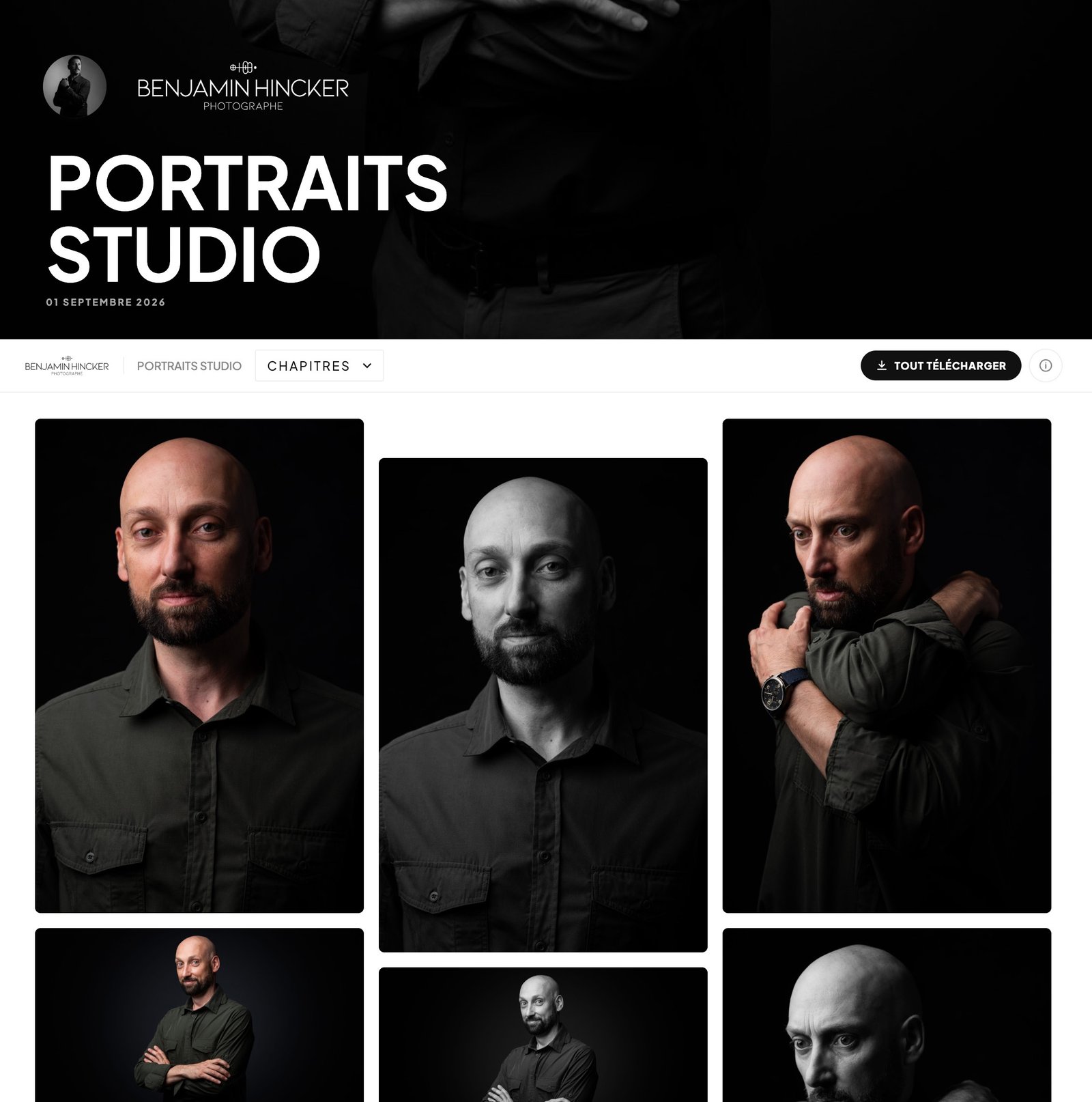
Display galleries on your website without moving large files to your web host.
Use the platform as your online space or connect it to your existing website.
Create your space for free and discover a new way to showcase your work, support your clients and grow your business.
+ Create my space for free